 AllRecover for Android
Recover Android Data Without Root
Scan your Android device, preview recoverable files, and recover the photos, videos, WhatsApp chats, and documents that matter.
- Recover deleted photos and videos from device storage
- Find WhatsApp conversations, media, and shared files
- Preview results before selecting what to recover
- Works across popular Android phones
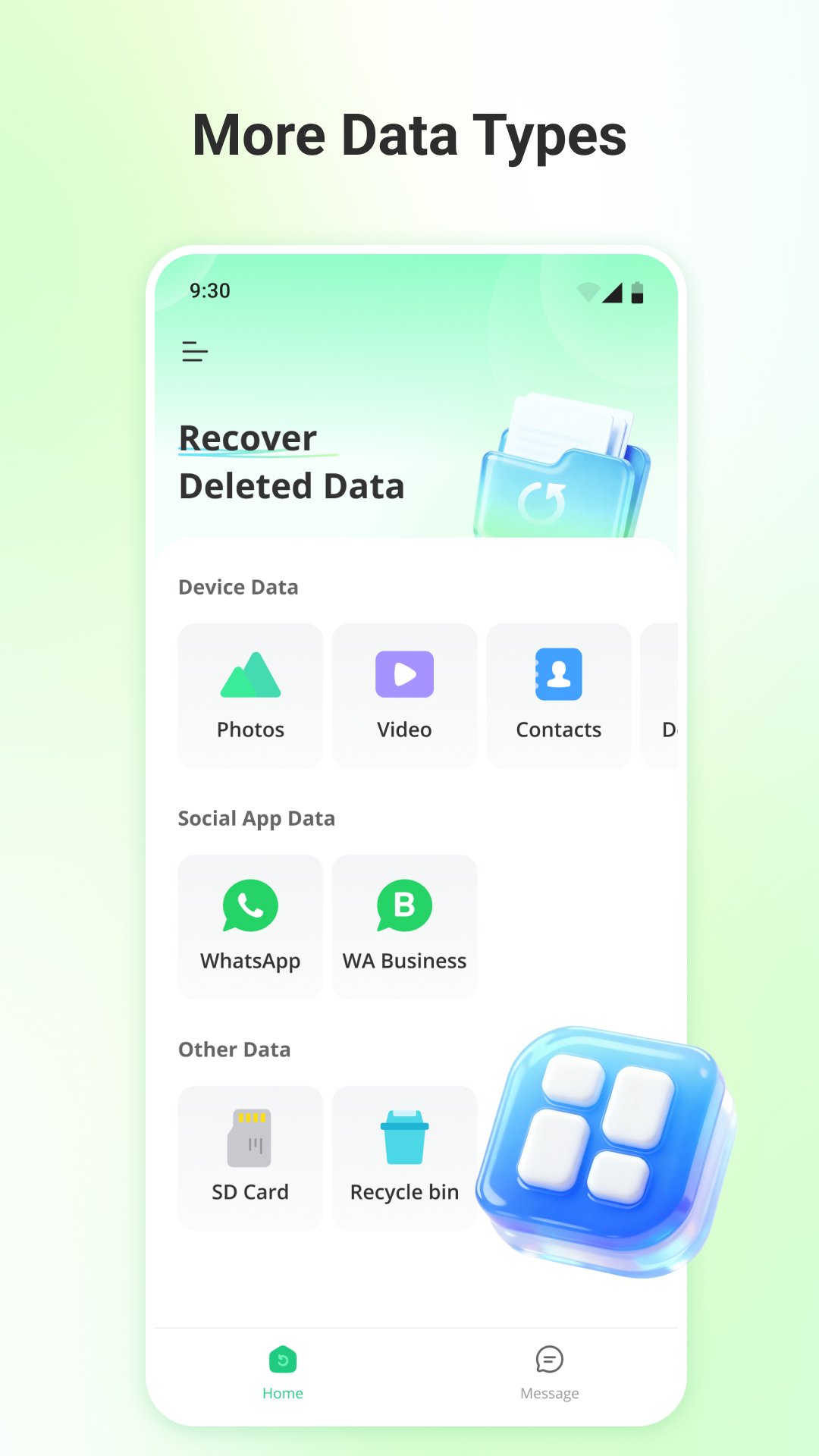
Recover the Android data that matters to you
Scan common Android data categories, preview the results, and choose the individual files you want to recover.
Designed for the Android devices people use every day
And many more Android brands
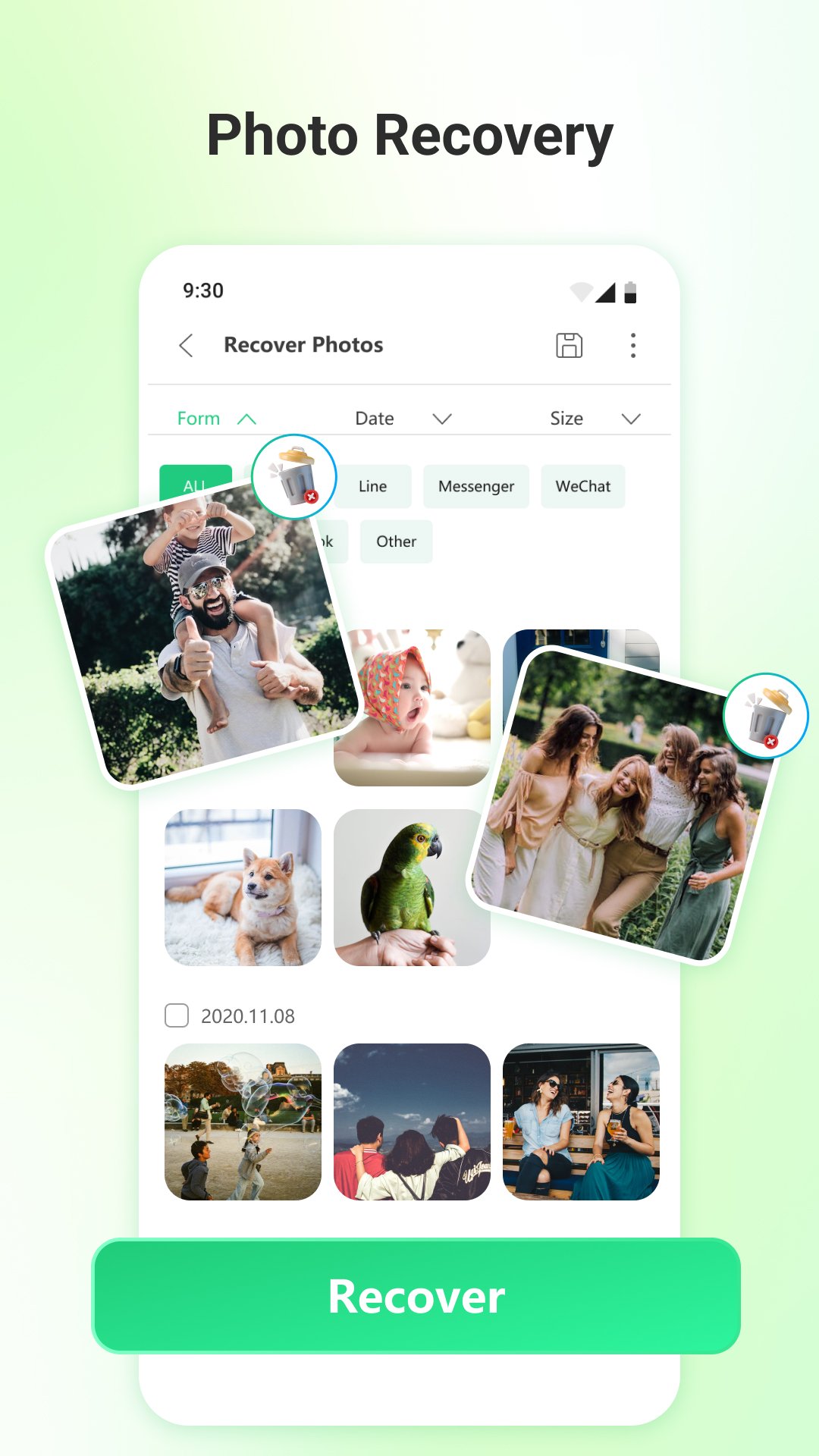
Bring important gallery photos back into view
Run a deep scan, browse thumbnails, and select only the photos you want to recover. Results are grouped so large galleries remain easy to review.
- Gallery-style preview
- Multi-select recovery
- Original aspect ratio retained
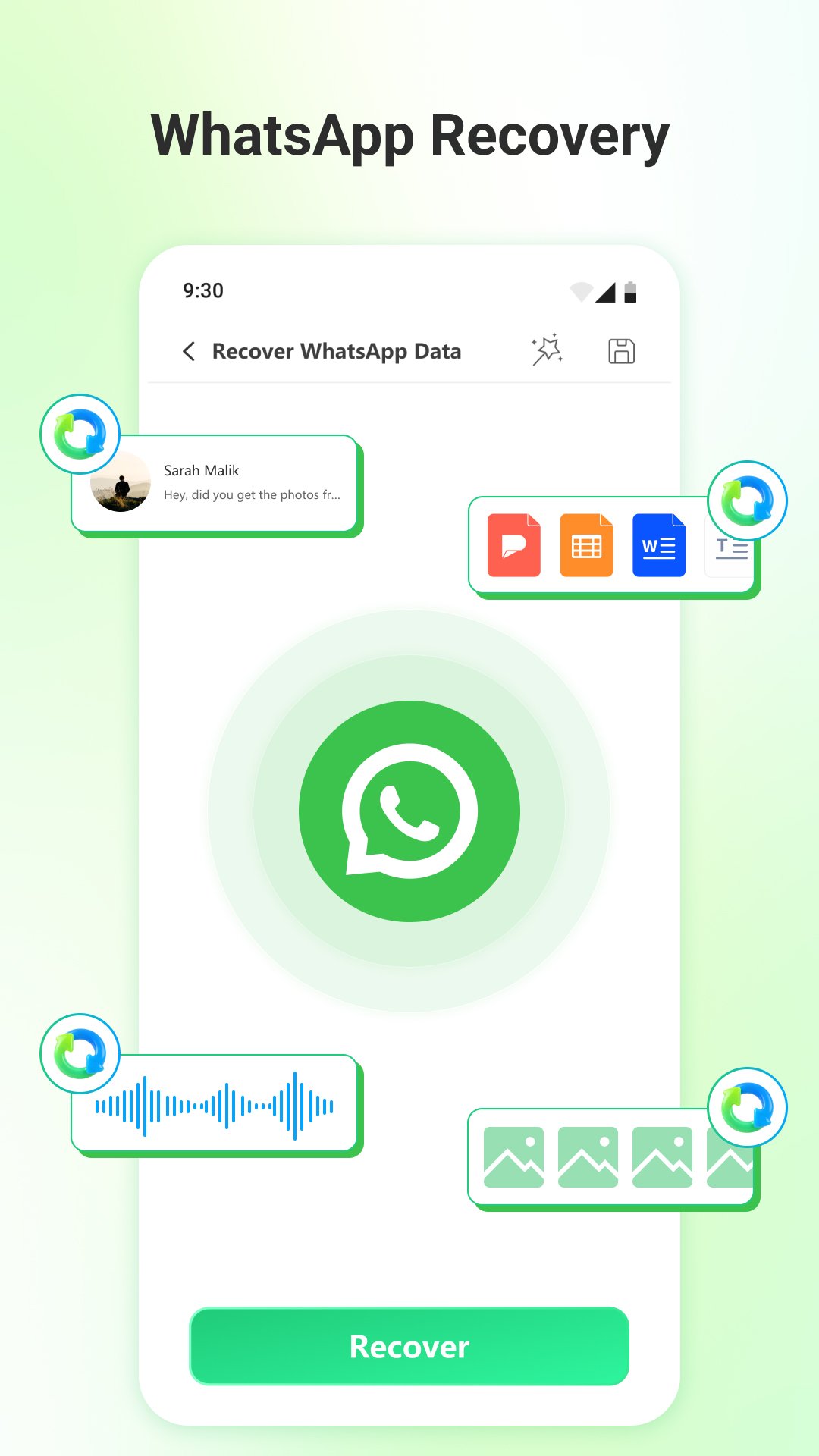
Find WhatsApp chats and shared files without a backup
Review conversations together with the photos, audio, video, and documents shared inside them.
- Chat and attachment preview
- Conversation-based organization
- Recover selected files
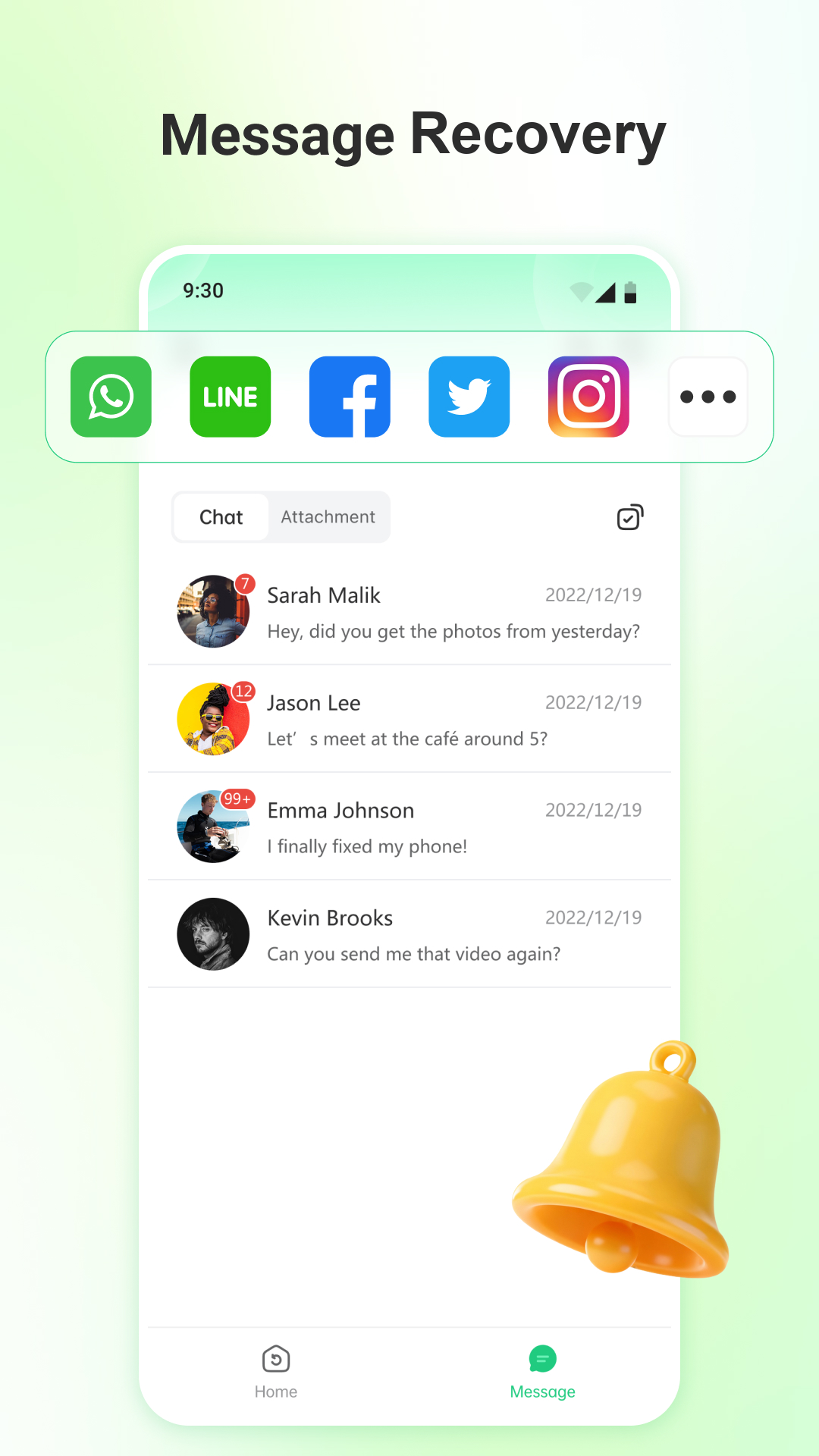
Preview messages, videos, documents, and more
Use one scan to check multiple data categories, then narrow the results before you recover anything.
- Clear data categories
- Filter before export
- Simple guided workflow
 ALLRECOVER FOR ANDROID
Start scanning for the files that matter
Free for 30 days.
Frequently asked questions
Can I preview files before recovery?+
Yes. The recovery flow is designed to show available results before you select the items you want to recover.
Does Android recovery require root access?+
The main workflow is designed for recovery without rooting the device. Available results depend on the device and condition of the data.
Can deleted WhatsApp attachments be included?+
Supported scans can include WhatsApp conversations and common attachment types such as photos, video, audio, and documents.
Is recovery guaranteed for every deleted file?+
No recovery tool can guarantee every file. Results depend on whether deleted data has been overwritten and on device storage conditions.